
How to print place cards at home
Everything you need to know to make and print your own place cards with marqueplace.com: the steps, the size of the cards, the right paper, your printer settings and how to cut them cleanly.
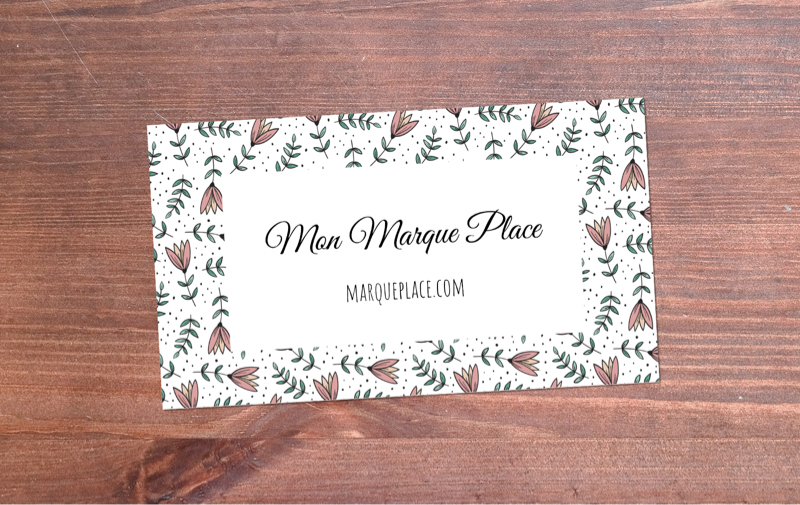
How it works
Our online place card maker is built to be as simple as possible. Still, a few things are worth knowing, and the steps below will have your cards ready in no time:
- Choose one of our place card templates as your starting point, or use a photo of your own.
- Add your guest list, with each guest's table if you like. Upload an Excel file or paste the list into the box provided. Names and tables are laid out on each card automatically, so every one looks just right.
- Personalize your place cards. Among other things, you can choose the fonts and the colors of the text.
- Once you're happy with the result, save your project and you'll get a link to download a PDF with all your place cards.
The PDF is ready to print. Every design is free. With a Premium design, your PDF carries a "PREVIEW" watermark so you can check it first; take the Premium step on your project page, at no cost, to get the final cards.
Place card size
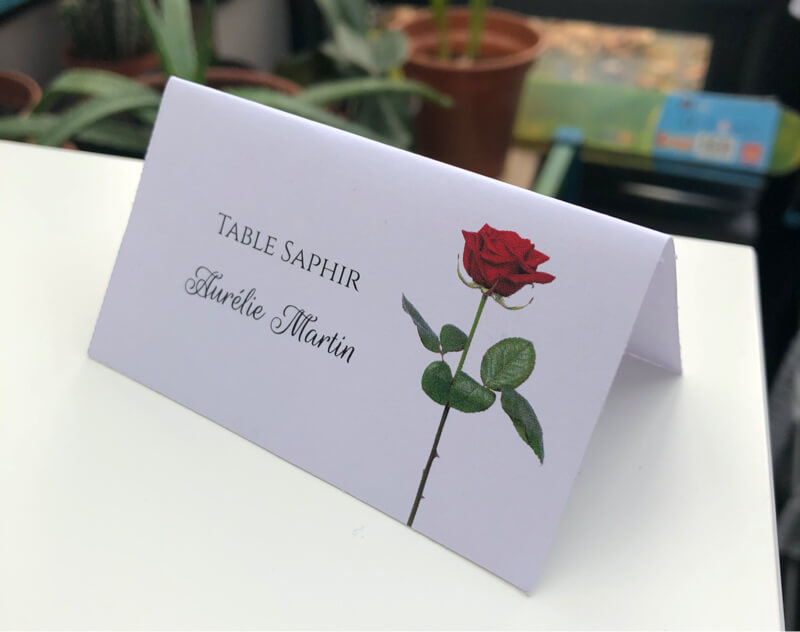
Each place card measures 3.5 × 2 inches (8.9 × 5.1 cm), the standard place card size. Folded (tent) cards are that size too once folded: 3.5 × 4 inches before folding.
In step 4, choose the format: folded tent cards, 6 per sheet, that stand up on the table, or flat cards, 12 per sheet, to lay on a plate or slip into a card holder. You also choose the paper: US Letter (8.5 × 11 in) or A4.
Which paper to use
You can print our designs on all kinds of paper. The sheet must match the size you picked in step 4, US Letter or A4, but when it comes to weight and color, the only limit is your imagination.
For sturdy place cards, we recommend a light card stock of at least 65 lb cover (about 176 g/m²); anything from 65 to 90 lb cover works well and still goes through most home printers. You'll find it at any office supply or craft store, and online.
Printing at home
You can print your place cards at home. In your printer settings, print at 100% scale ("Actual size"), not "Fit to page", so the cards keep their size. If your printer has a card stock or heavy paper setting, use it.
Before printing the whole PDF, print the first page as a test, to check the colors, the alignment and how your printer handles the paper.
You can also take your file to a local print shop or copy center. Plenty of them will print it for you.
Cutting your place cards
If you turn on cut lines in step 4, your cards come with thin gray lines. Cut along them and they won't show on your finished place cards.
If you've printed on card stock and have more than a few sheets to cut, a paper trimmer will save you time and give you straight edges. A craft knife and a metal ruler work too. For tent cards, score the fold line with the back of a knife before folding, for a crisp fold.
If you have any questions, feel free to email us.