Copy and paste your guest list
Put one guest per line: just a name, or a name and a table. Separate the name and the table with a comma.
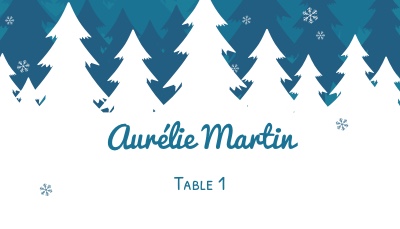
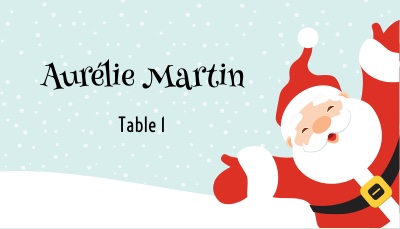
SaveChoose from our 4 blue Christmas place card templates. Add your guests' names, and their tables if you like, then print your place cards at home.
Step 1: Choose a blue Christmas place card template

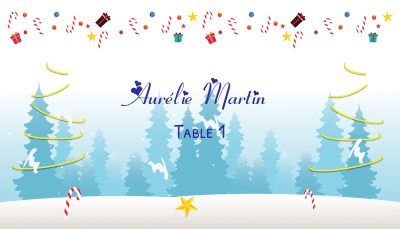
Looking for other designs? Turn off the color filters to see all Christmas place cards.
Your image
Opening your image…
Frame the front of the card: drag the photo, then zoom with the slider or pinch with two fingers. Move the name and table, and drag the edges of their boxes to make them wider or narrower. With a keyboard: click a text, then move it with the arrow keys, and press Shift + ← → to change its width.
By uploading an image, you confirm that you have the right to use it. It's used only to make your place cards and is deleted along with your project.
Step 2: Add your guest list
Paste your guest list or upload an Excel file, and each card gets its own name.
Copy and paste your guest list
Put one guest per line: just a name, or a name and a table. Separate the name and the table with a comma.
SaveUpload an Excel file
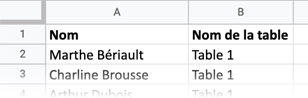
Upload an Excel file with two columns: the first column holds the names, and the second holds the table numbers, if you have them.
Your guest list seems to be empty. Did you add at least one guest above?
Step 4: Preview and personalize your place cards
Manuscrites
Élégantes
Simples
Fantaisie
Rétro & fêtes
Manuscrites
Élégantes
Simples
Fantaisie
Rétro & fêtes